
Documentation Index

Fetch the complete documentation index at: https://docs.ntrp.io/llms.txt

Use this file to discover all available pages before exploring further.

Overview

Automations let ntrp act on its own — daily summaries, inbox monitoring, reminders, or any task you’d otherwise forget to do manually. Each automation has one or more triggers (when to run), a description (what to do in natural language), and optional notifiers (where to send results). When multiple triggers are defined, the automation fires when any trigger condition is met.
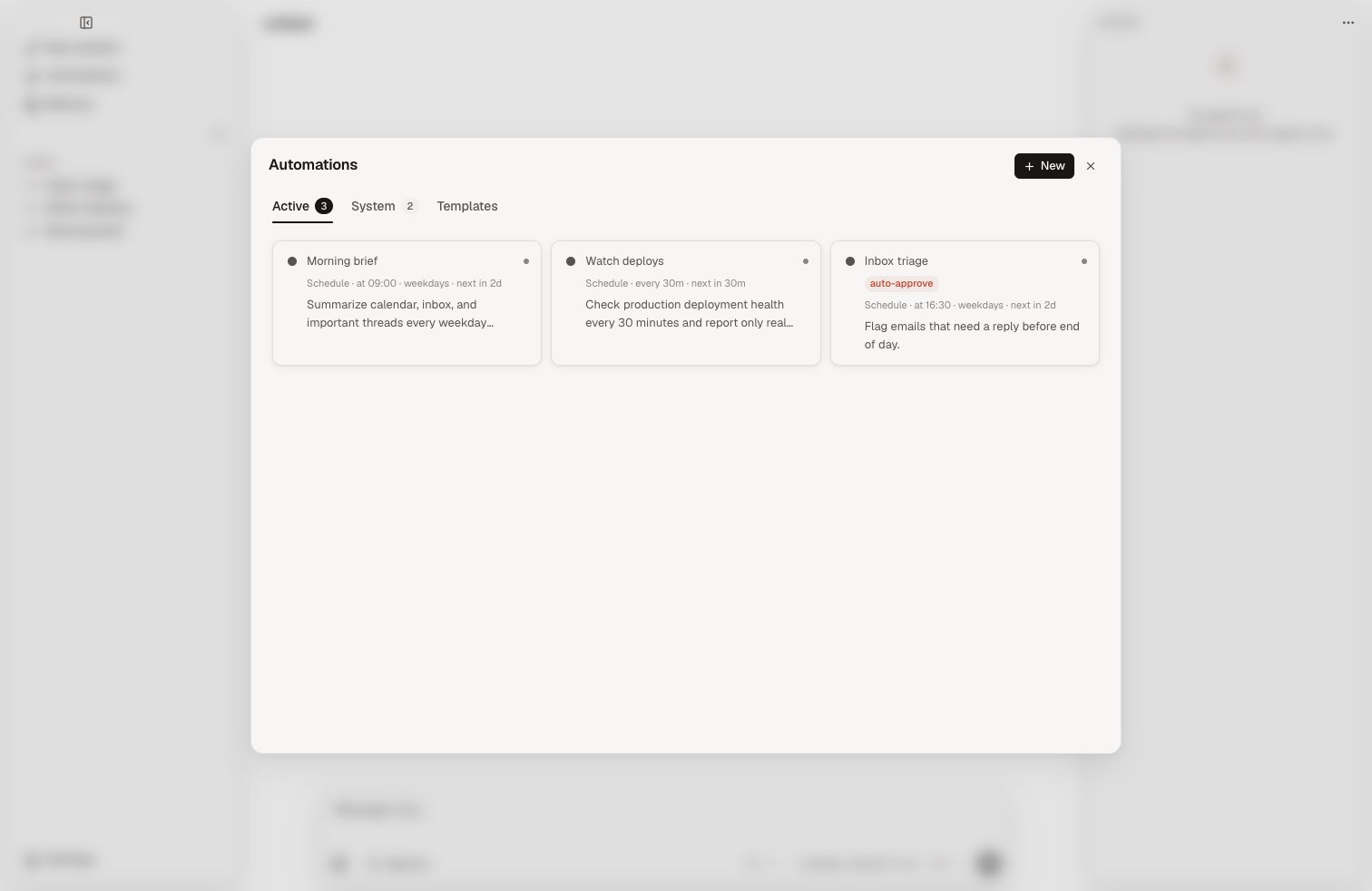
Trigger types

Scheduled (time-based)

Run at a specific time, optionally on specific days:
Every weekday at 09:00 → "Summarize my unread emails and calendar for today"
Every day at 22:00 → "Review what I committed today and update my work log"

Interval

Run repeatedly at a fixed interval, with optional time windows:
Every 2h → "Check for new emails from VIP senders and notify me"
Every 30m (09:00–18:00) → "Monitor the deployment pipeline status"
Interval triggers support start and end times to constrain the window. Outside the window, the next run advances to the start of the next eligible day.

Event-driven

Trigger before calendar events:
15 minutes before any meeting → "Pull up notes about attendees from memory"

Idle

Fire once after a period of user inactivity. Resets when the user sends a new message.
After 5 minutes idle → "Extract facts from recent conversation"

Count

Fire every N user messages in a session. The counter resets per session.
Every 10 turns → "Extract durable facts from the conversation"

Multi-trigger

Automations accept multiple triggers (OR logic). This is useful for combining time-based and activity-based conditions:
[every 30m + idle 5m] → "Consolidate and merge memory"
[every 10 turns + idle 5m] → "Extract facts from conversation"

Builtin automations

ntrp ships with two internal automations that run automatically:
AutomationTriggersPurpose
Chat ExtractionEvery 10 turns + idle 5mExtract durable facts from conversations
Memory ConsolidationEvery 30m + idle 5mMerge, archive, and consolidate memory
Builtin automations are visible in the automations viewer (internal tab) and can be toggled on/off, but cannot be deleted. They use handler functions instead of full agent loops.

Creating automations

From the TUI

Open /automations and press n to create. The automations viewer has two tabs: User (your automations) and Internal (builtin automations like extraction and consolidation). The create/edit form uses drill navigation:
ShortcutAction
↑↓Navigate between fields
EnterDrill into a field to edit
←→Adjust selector fields (trigger type, mode, days)
SpaceToggle checkboxes (notifiers, days, writable)
EscapeStop editing / exit form
Ctrl+SSave
To edit an existing automation, highlight it and press e. You can add multiple triggers to a single automation.

From chat

Use the create_automation tool in chat:
Create an automation that runs every weekday at 9am
to summarize my unread emails and today's calendar.
Send the result to my Telegram.

Via the API

Single trigger:
curl -X POST http://localhost:6877/automations \
  -H "Authorization: Bearer $NTRP_API_KEY" \
  -H "Content-Type: application/json" \
  -d '{
    "name": "Morning briefing",
    "description": "Summarize unread emails and today's calendar events",
    "trigger_type": "time",
    "at": "09:00",
    "days": "weekdays"
  }'
Multi-trigger:
curl -X POST http://localhost:6877/automations \
  -H "Authorization: Bearer $NTRP_API_KEY" \
  -H "Content-Type: application/json" \
  -d '{
    "name": "Extract conversation facts",
    "description": "Extract durable facts from recent conversation",
    "triggers": [
      {"type": "count", "every_n": 5},
      {"type": "idle", "idle_minutes": 10}
    ]
  }'

Permissions

By default, automations run with read-only tools. Toggle writable to allow an automation to modify memory, send emails, or create calendar events.

Notifications

Automations with writable enabled can use the notify tool to send results to configured notifier channels (Telegram, email, bash). Configure notifiers in Settings > Notifications.